

Today, connections use the account of the person who clicks Connect. ZeroDrift does not write back to the provider, and it does not use a service account.
What a connection can access
A connection acts as the person who completed OAuth. It can read documents that person can already open in the provider. It does not combine content across accounts, and it only calls the read tools ZeroDrift registered for that provider.Set-up guide
Prerequisites
- A ZeroDrift Command workspace with access to Settings → Sources and Policy Studio
- An account in Notion, Linear, Confluence, or Google Drive that can already open the documents you want to import
- For Confluence: an Atlassian org that allows the classic Rovo MCP consent (see Confluence if consent is blocked)
How to connect
The flow is the same for every live connector: connect, browse, pick, sync.- In Command, open Settings → Sources.
- Choose Notion, Linear, Confluence, or Google Drive, then Connect.
- Complete the provider’s OAuth screen in the new tab. Grant only the workspace, site, or pages you want ZeroDrift to read.
- When the tab returns you to Command, the source is connected. Open it to browse the document tree.
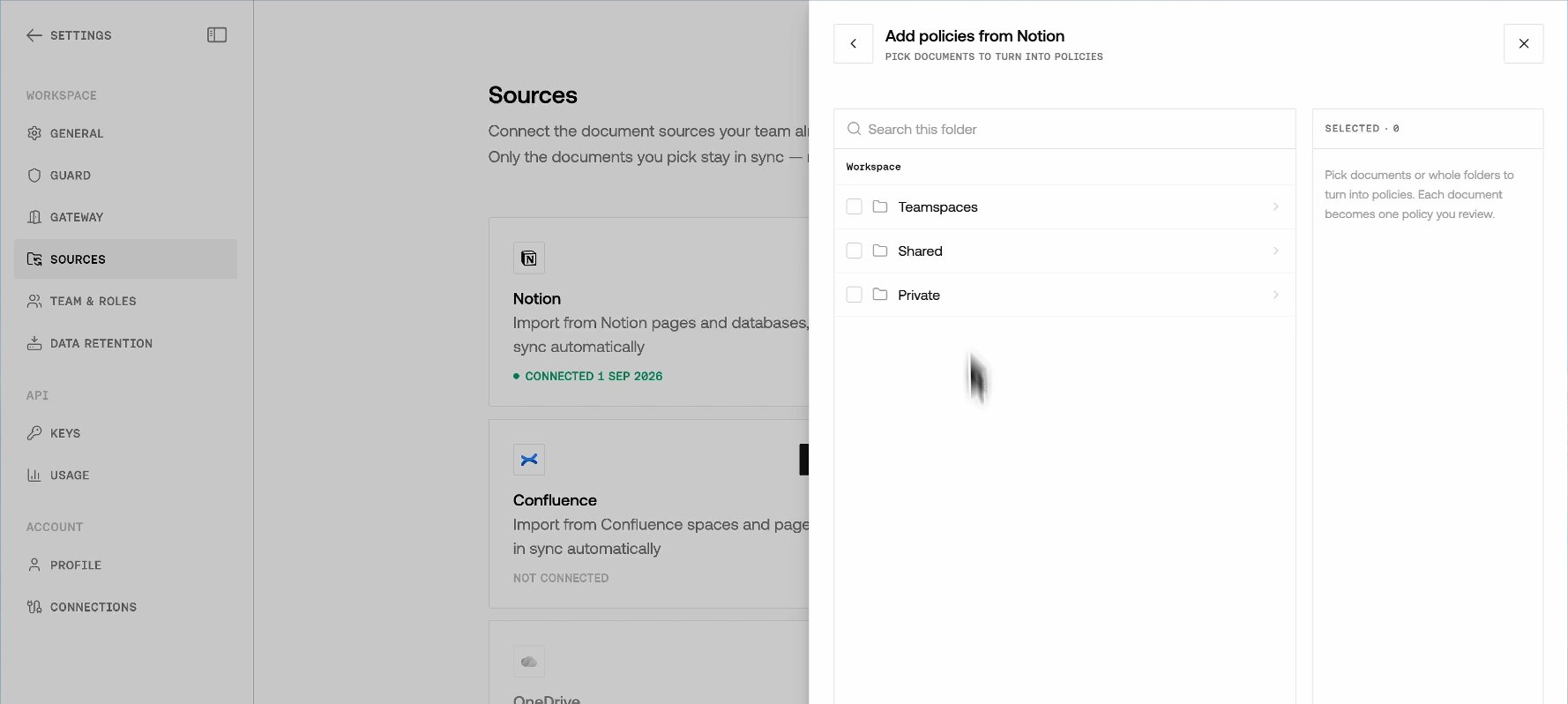
- Select one or more documents and sync. Each file is archived, then starts a custom policy import.
- Open Policy Studio. The document appears as a custom policy import (
importingwhile extraction runs, then pending review, failed with a reason, or ready to enforce).
Notion
-
On Settings → Sources, select Notion → Connect.
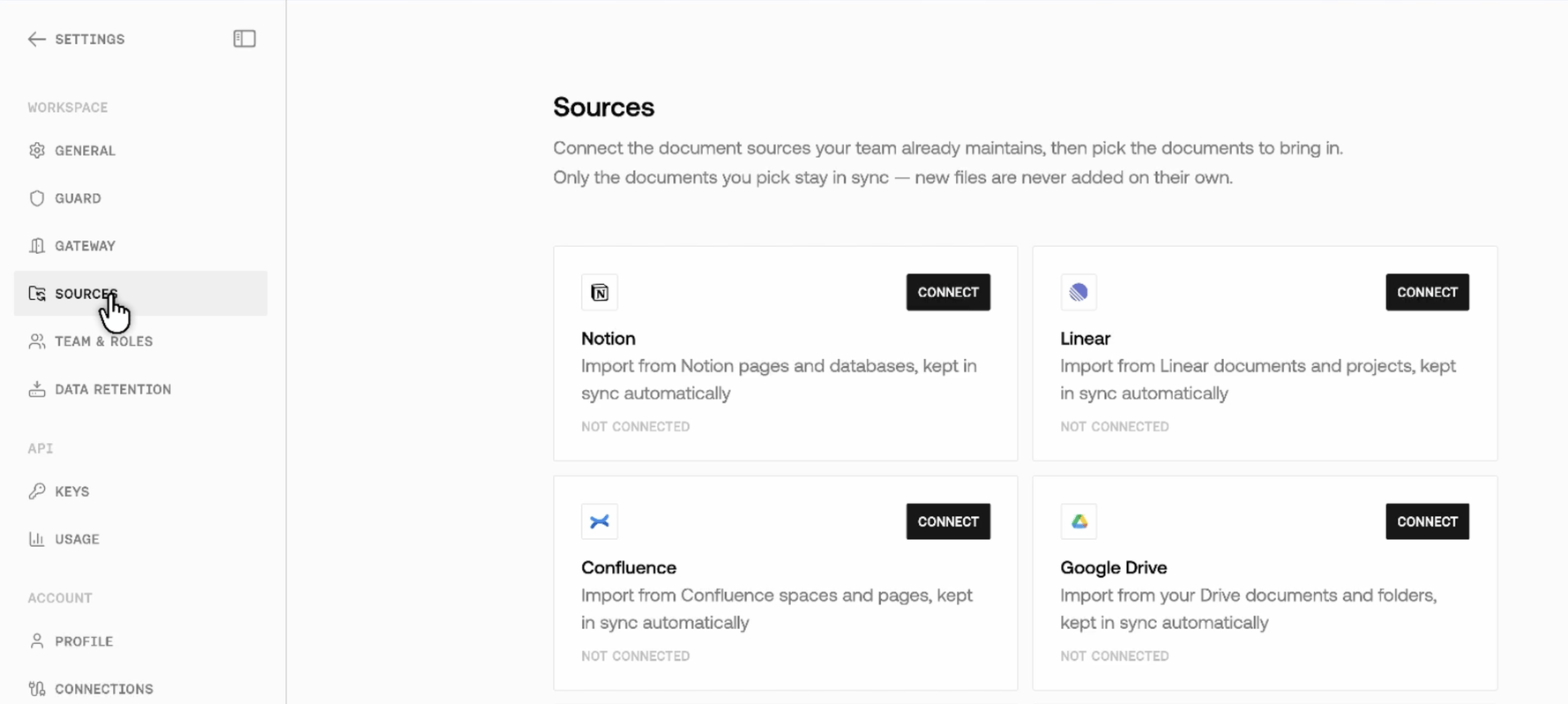
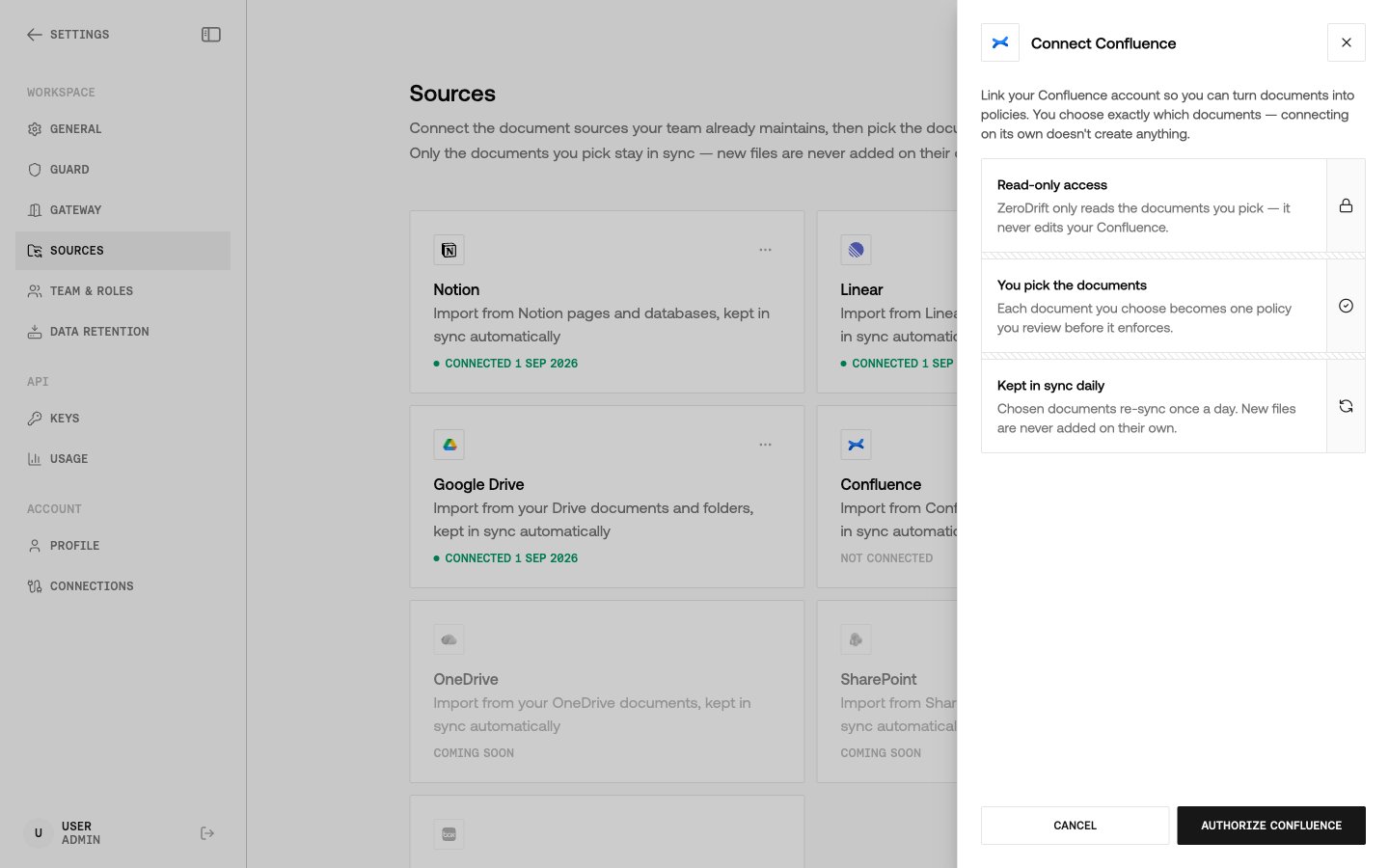
 The Connect panel and the Sources cards say picked documents are kept in sync daily. Scheduled re-sync is not live yet — re-sync a document yourself when you want to refresh the policy.
 -
Sign in to Notion and approve access for the pages or workspace ZeroDrift should read.
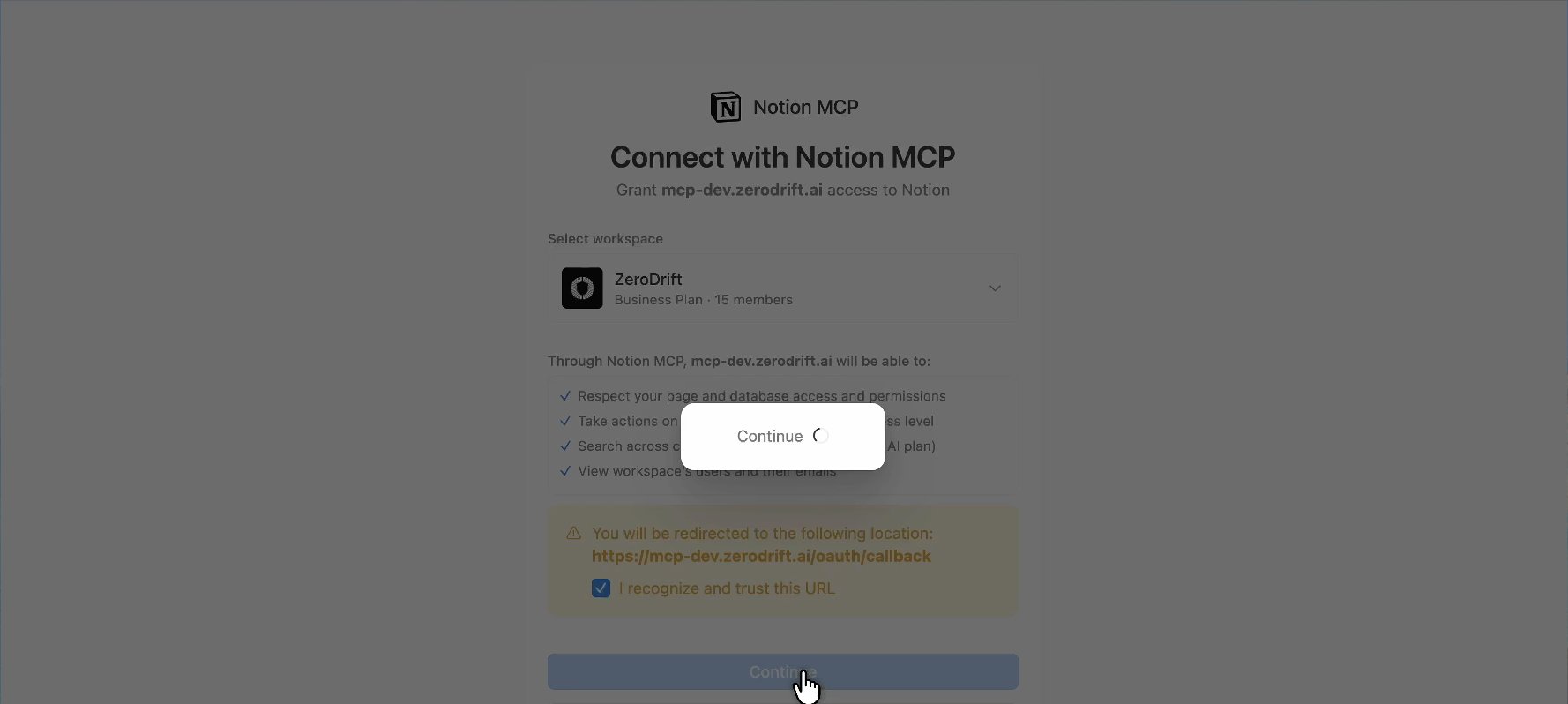
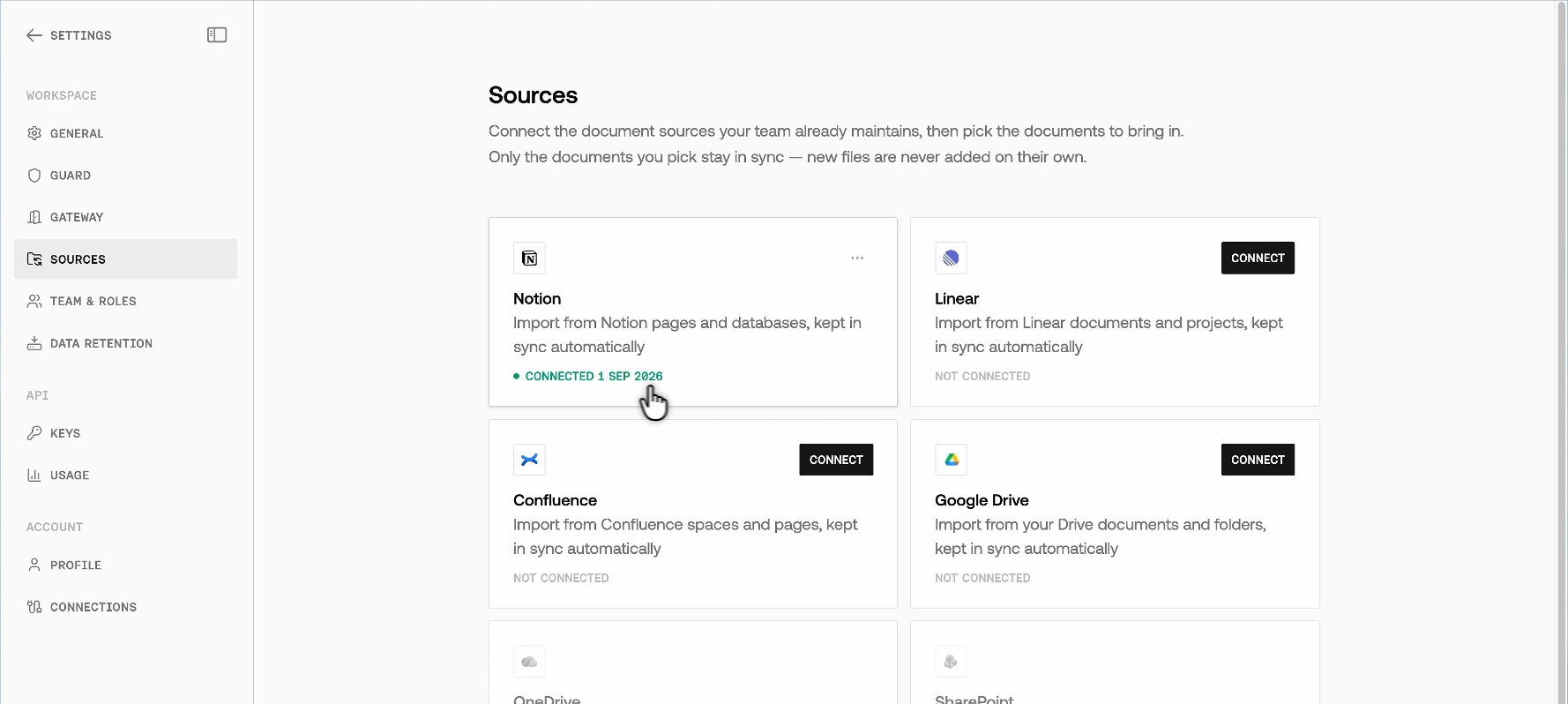
- Back in Command, open the Notion source. Browse pages and databases the connected account can see.
-
Pick the policy document and sync.
Linear
-
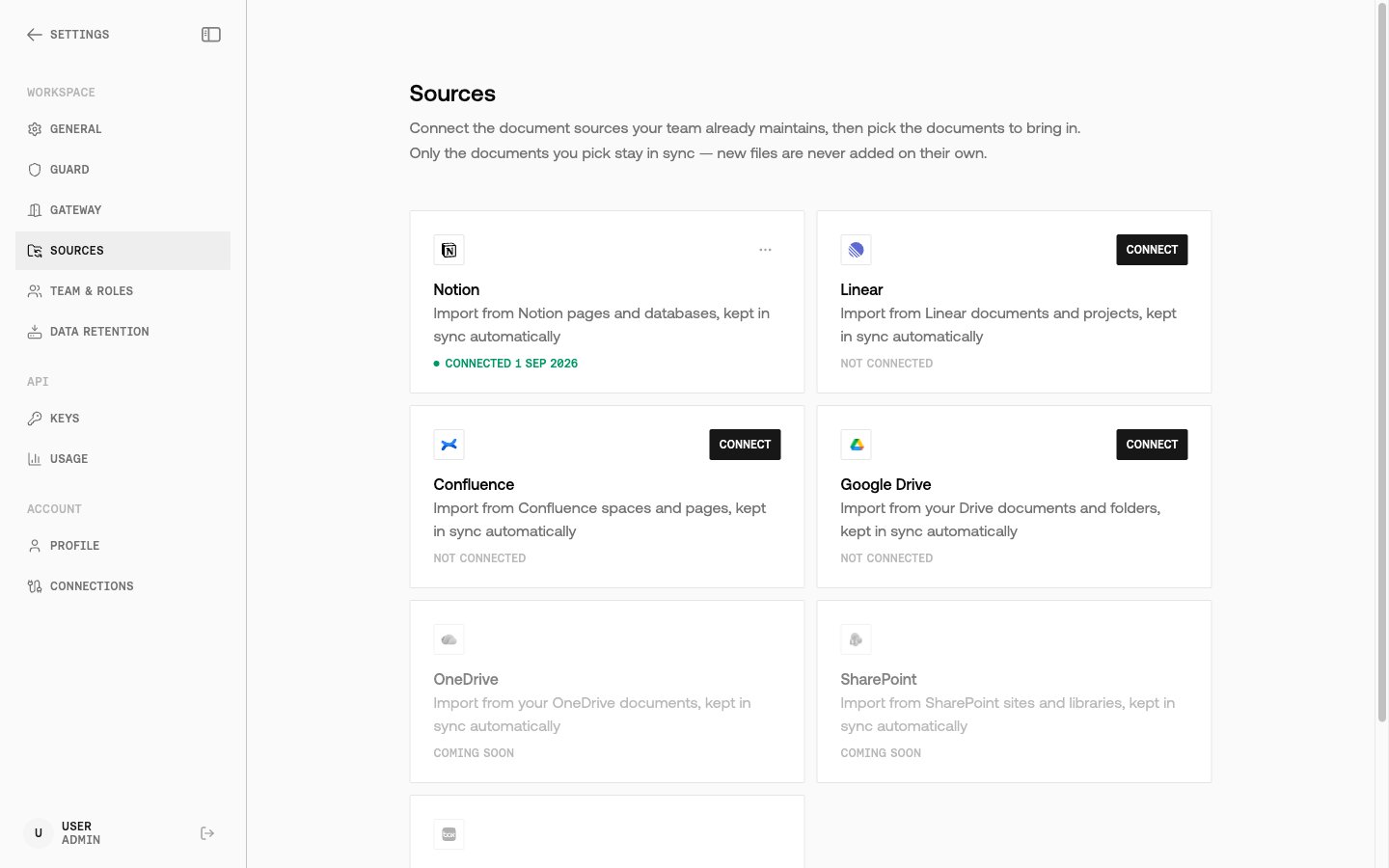
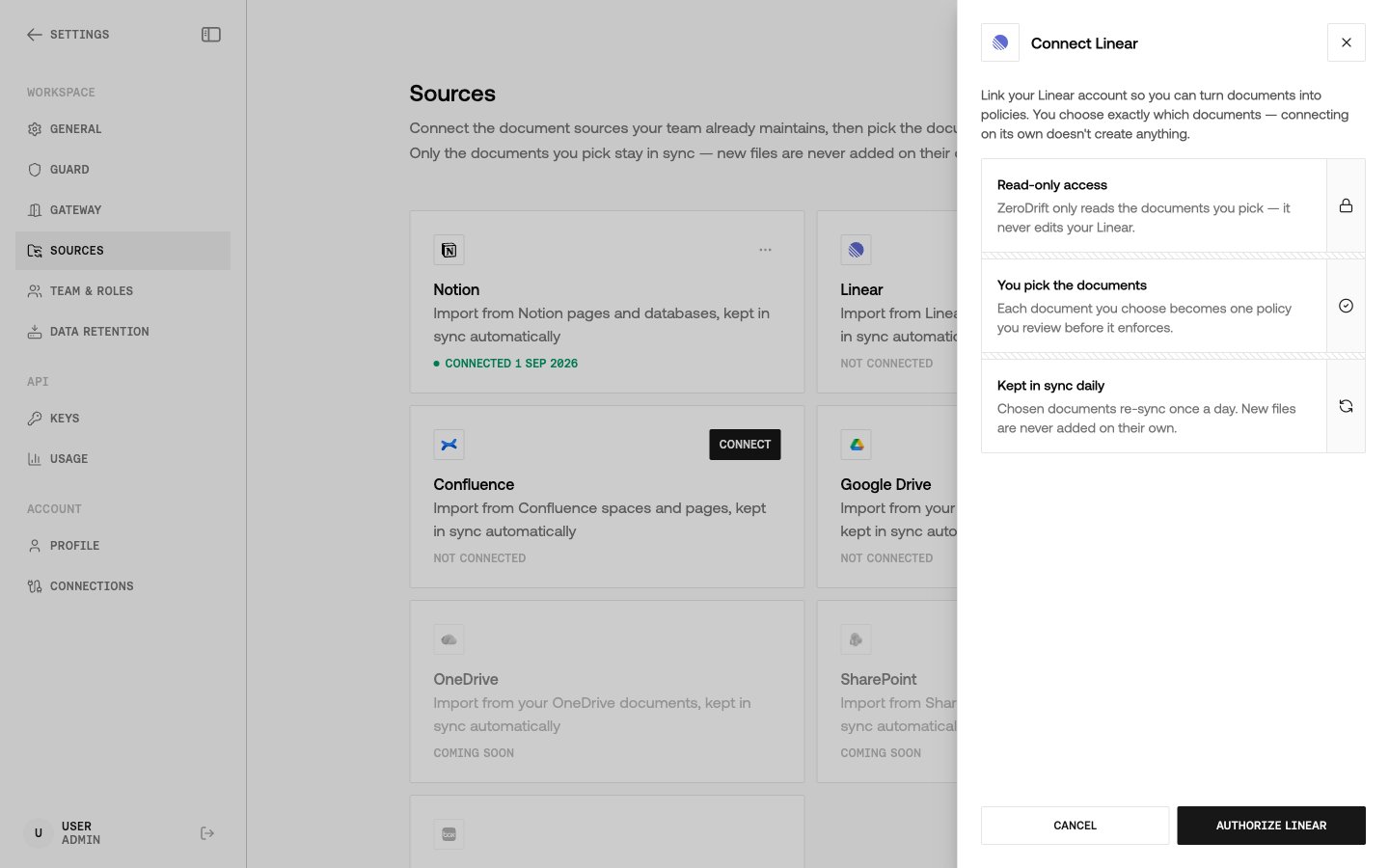
On Settings → Sources, select Linear → Connect.
-
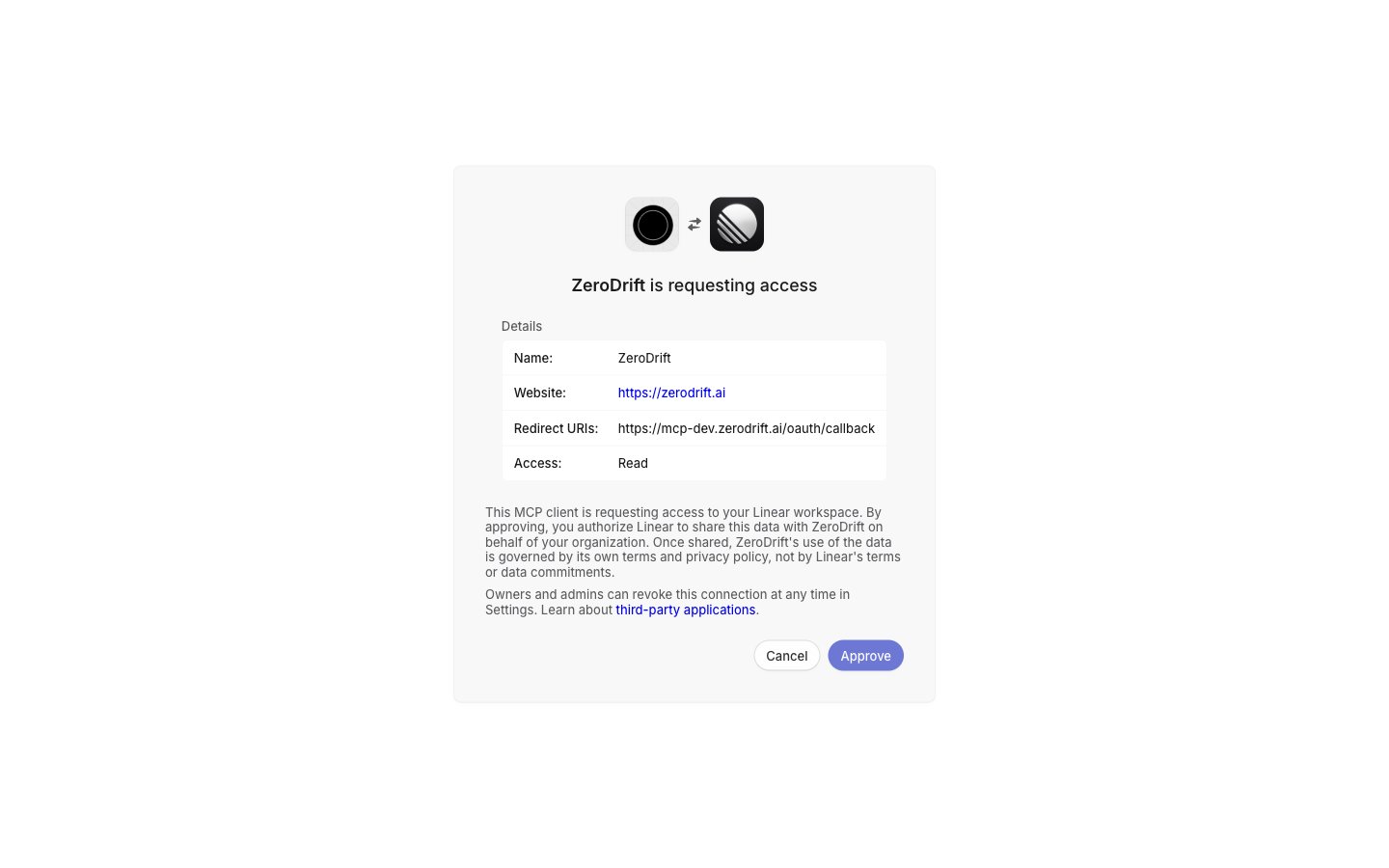
Sign in to Linear and approve access.
-
Browse documents and issues the connected Linear account can read.
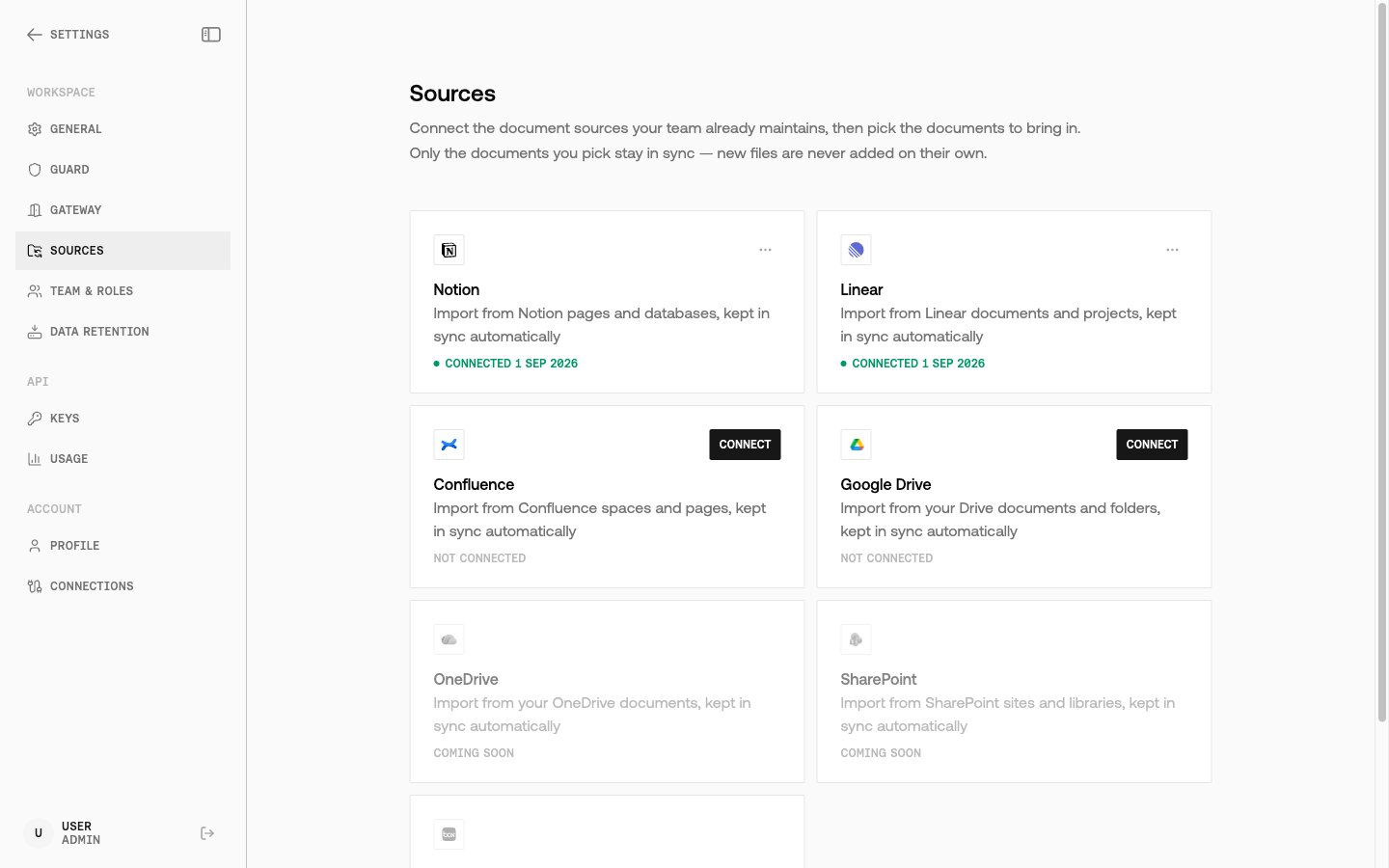
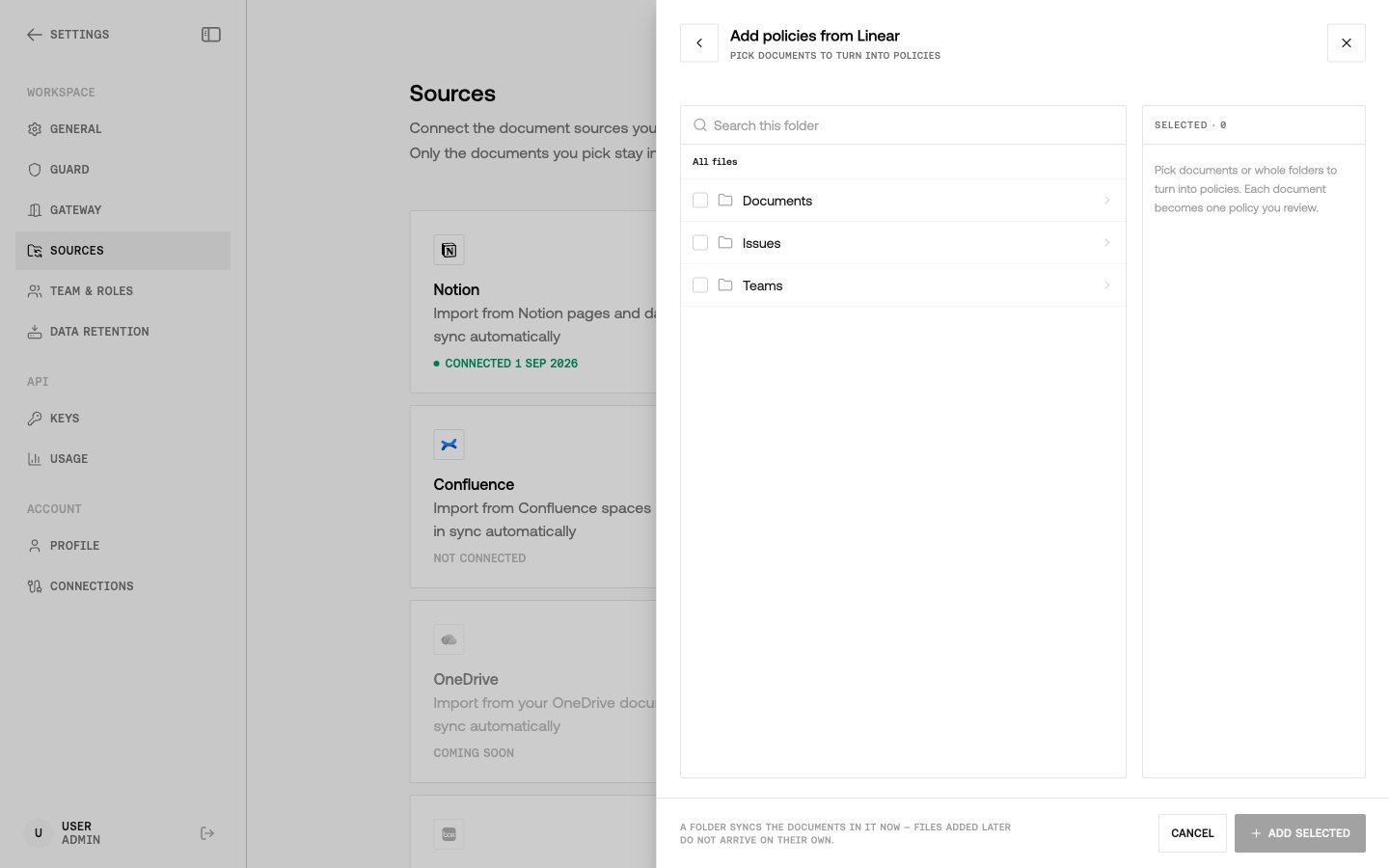
- Pick the item that holds the policy text and sync.
Confluence (Atlassian)
Confluence uses Atlassian’s classic MCP facade (/v1/mcp), not the granular /v1/mcp/authv2 path. Authv2 cannot finish consent against a real Atlassian org while Permissions on the Rovo MCP server are blocked.
-
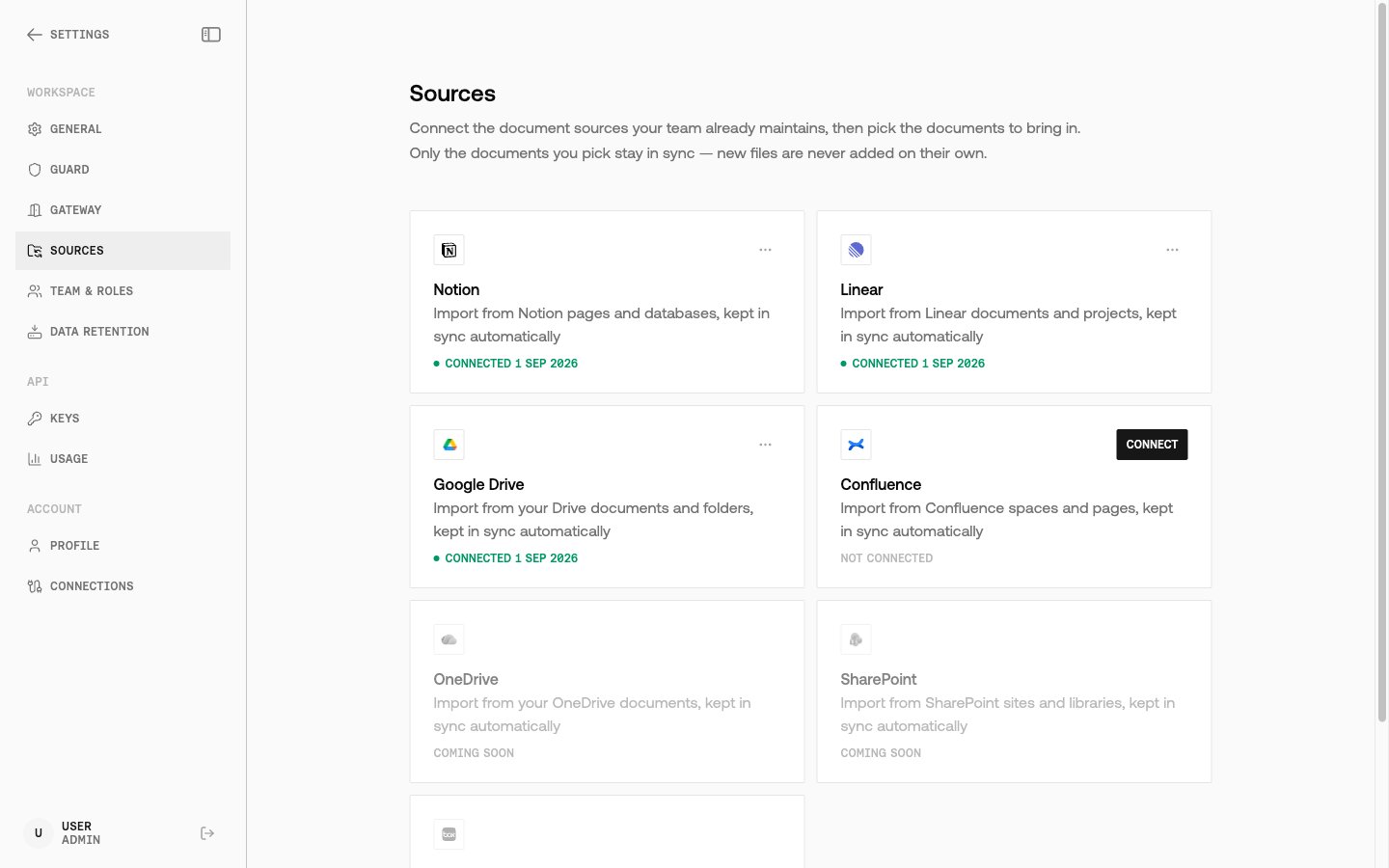
On Settings → Sources, select Confluence → Connect.
-
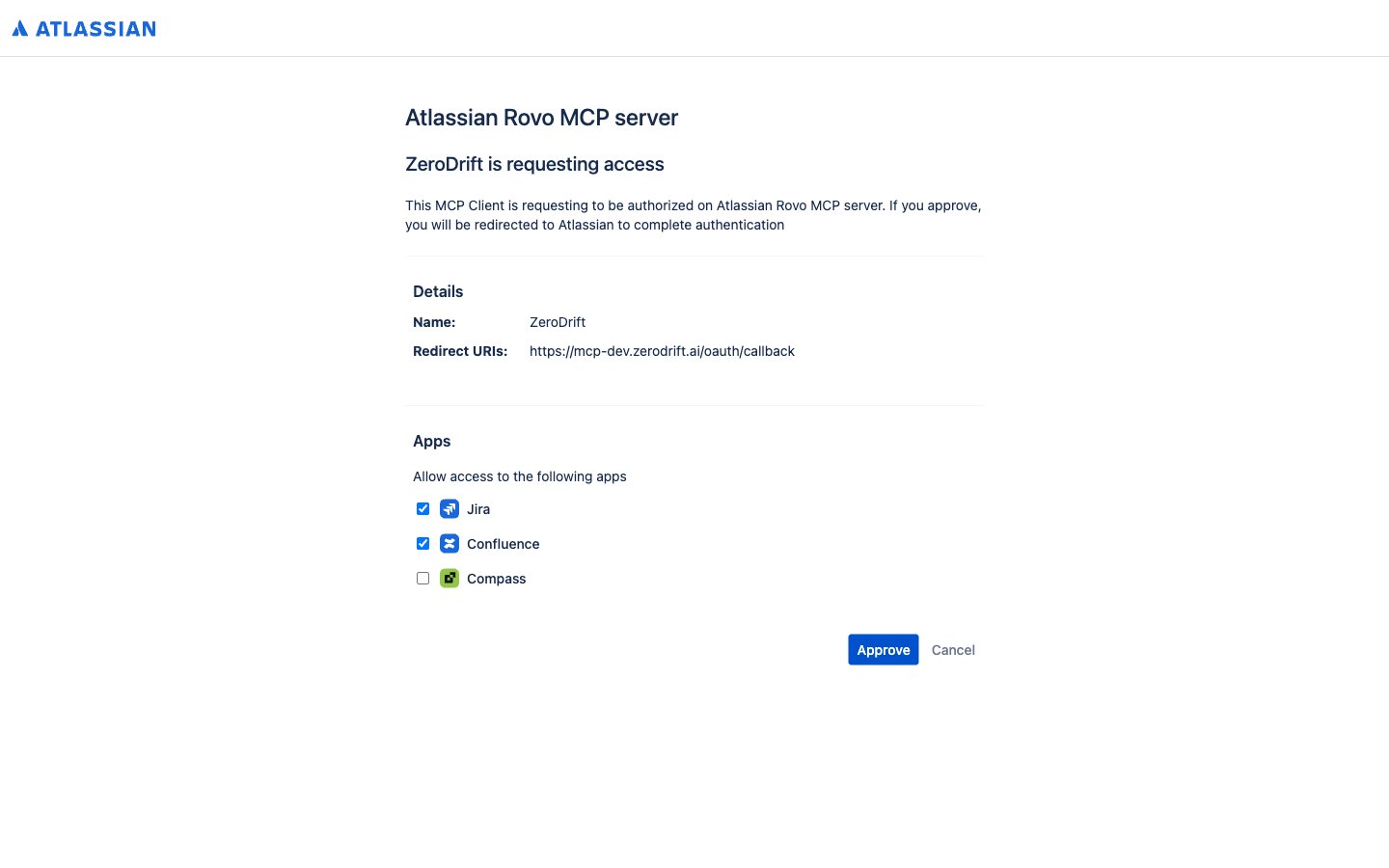
Complete Atlassian consent. The screen is product checkboxes, not a narrowed scope list.
-
Browse spaces, then pages. Expand one level at a time; opening a space homepage does not list every page in the space.
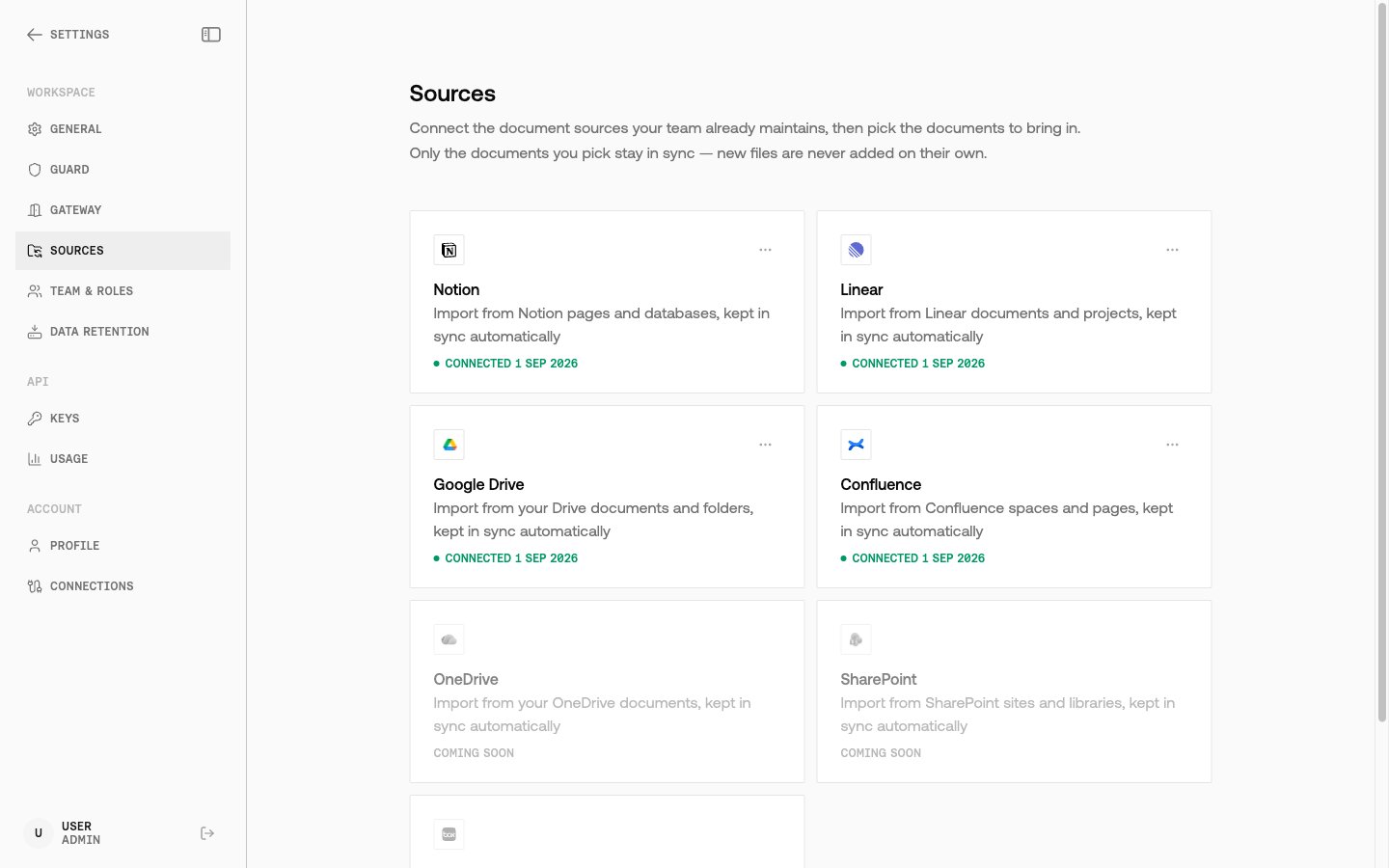
- Pick pages and sync.
- Open Atlassian Administration.
- Go to Rovo → Rovo MCP server → Permissions.
- Allow the site, then retry Connect in Command.
409 when you try to browse. Disconnect and connect again so the grant includes the read tools.
Google Drive
-
On Settings → Sources, select Google Drive → Connect.
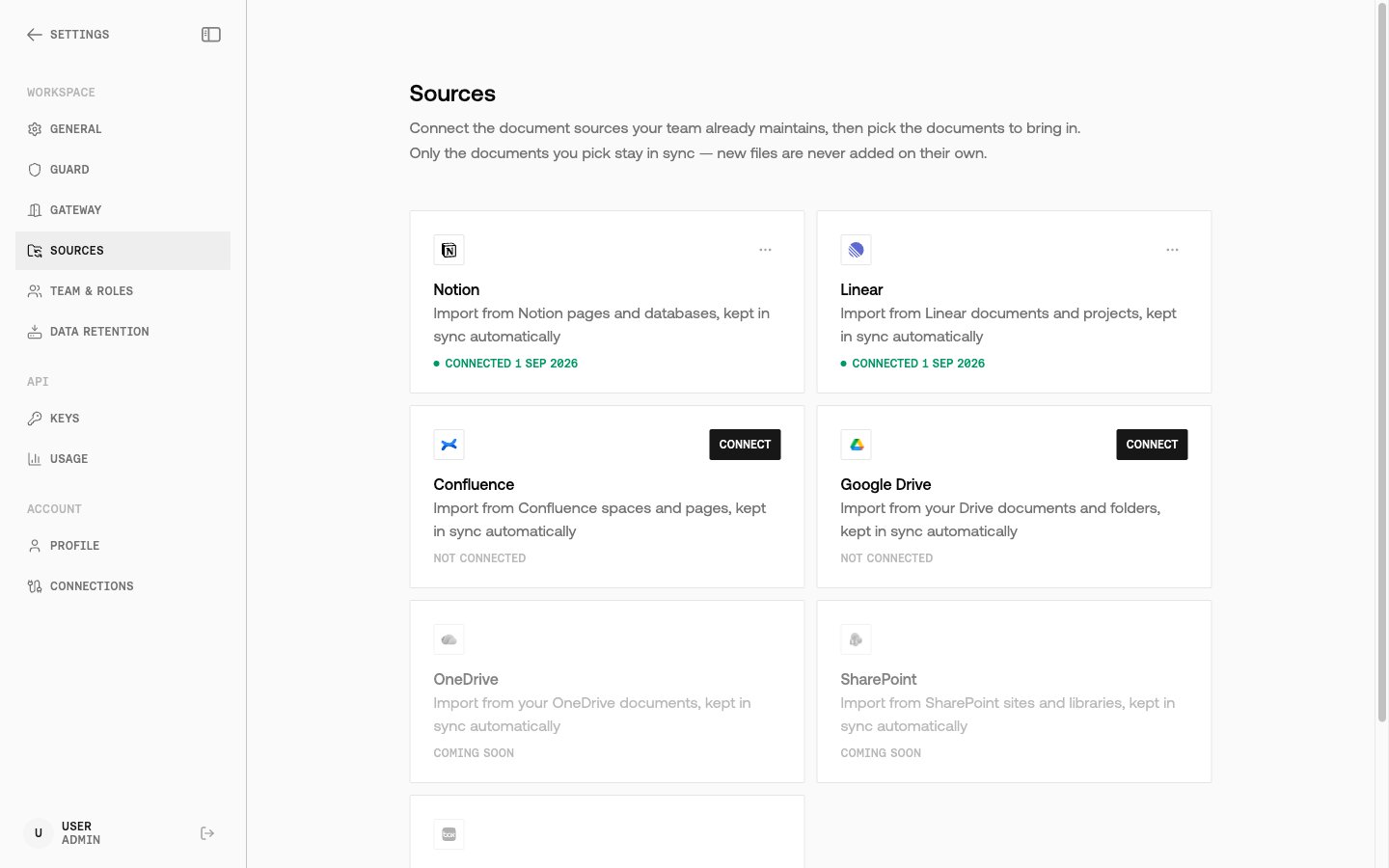
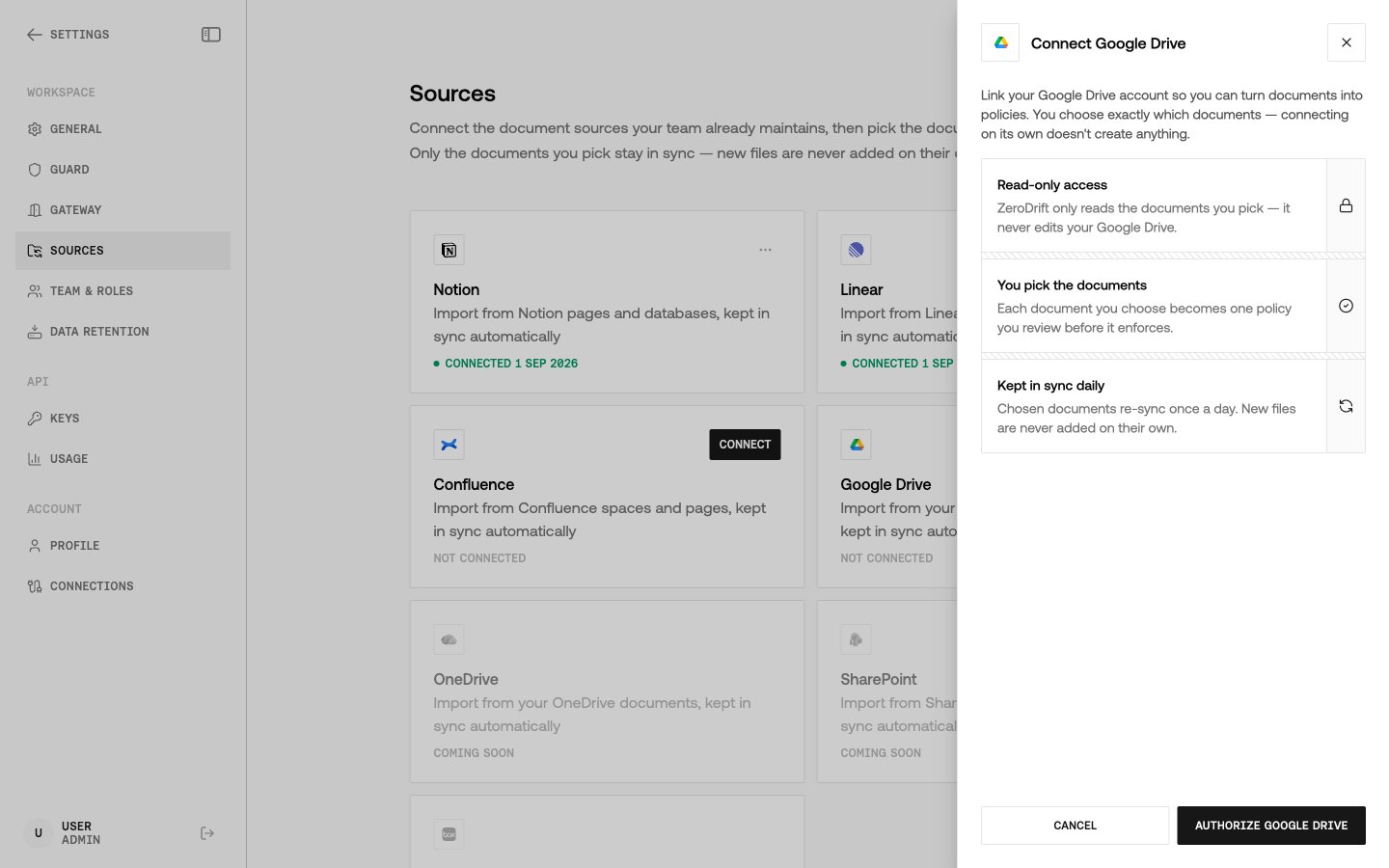
- Sign in with the Google account that can open the files you want to import, and approve access.
-
Browse from All locations. The first level is My Drive, Shared with me, and Recent — places to look, not a flat file list.
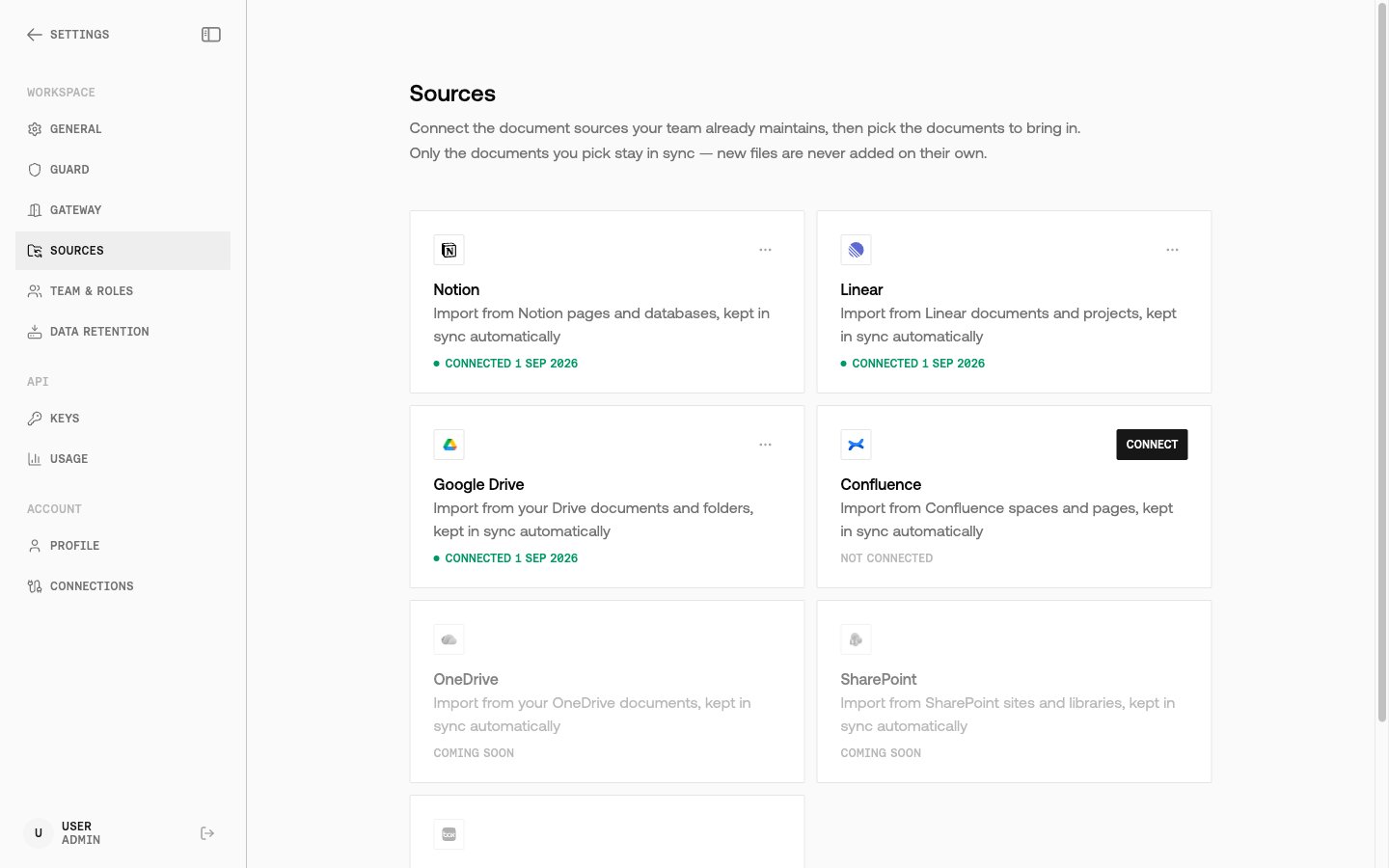
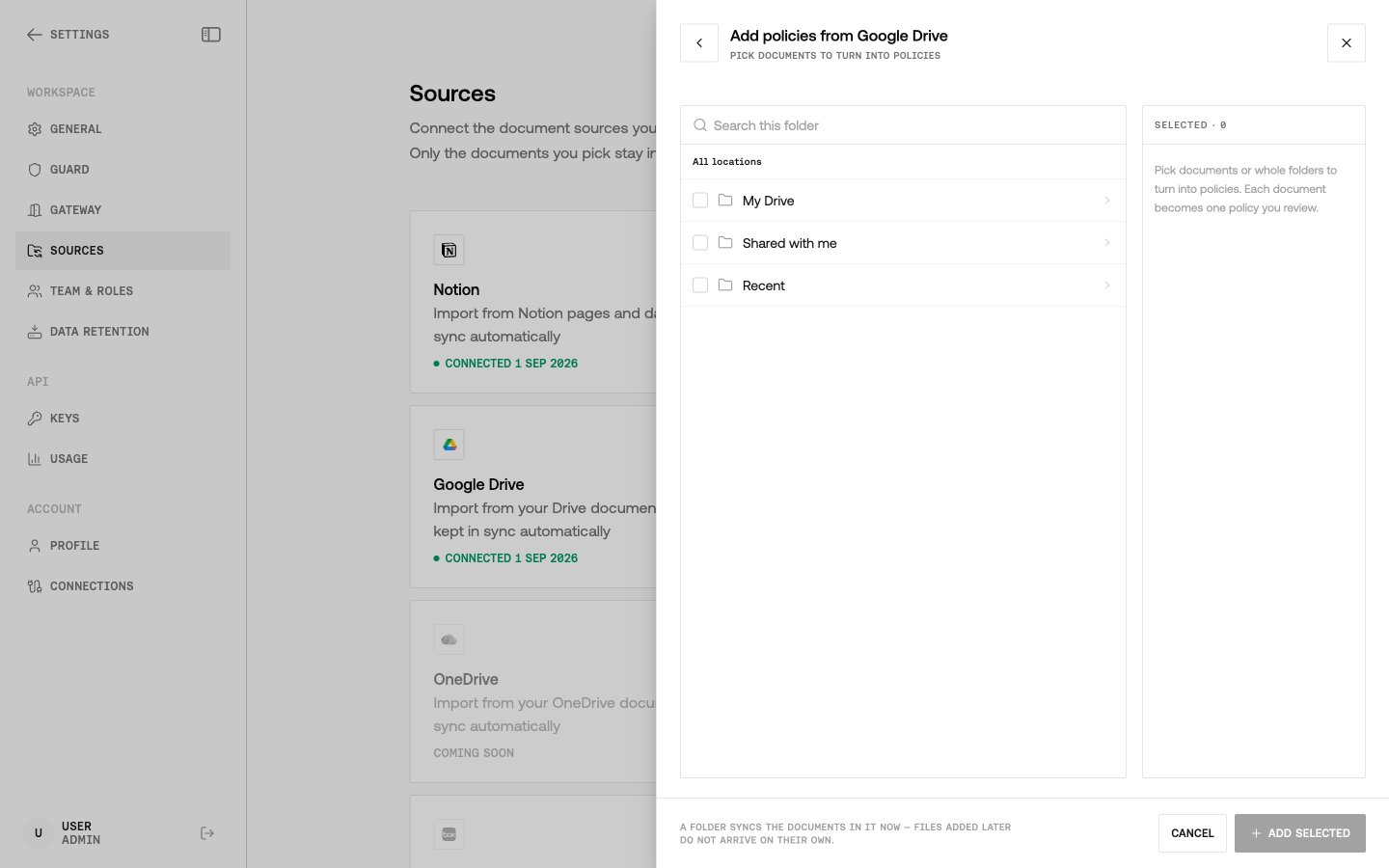
- Open a folder, pick files, and sync.
After you pick a document
A successful sync does not stop at archive. ZeroDrift:- Stores the document with provenance on the record (author, last edited time, source URL when the provider supplies one, and connection id).
- Sends the bytes through the same extraction path as Import Policy.
- Records the
import_id. Status isprocessinguntil extraction finishes. - Surfaces the row in Policy Studio as a custom policy import. Re-syncing a document that already produced a policy refreshes that policy instead of creating a second one. The previous import’s rules are retired before the replacement is activated, so you do not enforce both versions.
import_id already exists. A document archived before imports existed still produces one on the next sync.
If the import pipeline refuses the file, the sync fails with a reason you can read and the archived object is kept. The import is not shown as reviewable.
From there the API path is unchanged: poll Get Import Details, then Activate Rules. To train a policy-specific adapter on that import, follow Train an Adapter.
Capabilities
ZeroDrift does not expose these as public MCP tools for Claude or ChatGPT. The Connections Service is the MCP client. The public API you call after sync is the Custom Policies API.
Troubleshooting
The error names the provider, not “unreachable”
When a provider rejects a call, Command shows that rejection. A 401 or 403 from Notion, Linear, Atlassian, or Google Drive means the grant is dead or forbidden. Reconnect the source. ZeroDrift does not keep retrying those failures. A transport timeout or DNS failure is different: you can retry that. If the UI still says the service is unreachable after a successful connect, check network access to Command, not the provider’s status page first.Import failed, and the reason is on the row
Failed imports show why they failed and are not presented as ready for review. Fix the document or the connection, then sync again. A generic “unreachable” message is no longer the expected failure text.Confluence consent never finishes
If Connect fails with Permissions are blocked for this site, the block is in Atlassian Administration → Rovo → Rovo MCP server → Permissions, not in ZeroDrift.Browse returns 409 after connecting Confluence
Disconnect and connect again. A grant created before Confluence browse shipped can omit the read tools. Browse stays refused until you reconnect.Re-sync created overlapping rules
It should not. A refresh retires the previous import’s rules before activating the new extraction. If you activated an older import through the API while a refresh was in flight, use Deactivate Rules on the supersededimport_id.
The Sources page cannot browse a connected source
The UI now says what to do when a source will not browse, instead of failing with no next step. Follow that message. Typical causes: expired OAuth, Confluence permissions, or a connection that needs a reconnect.FAQ
Is this a ZeroDrift MCP server I add to Claude?
Is this a ZeroDrift MCP server I add to Claude?
No. This feature connects ZeroDrift to Notion, Linear, Confluence, and Google Drive MCP servers so Command can import policy documents. It is not a way to query ZeroDrift from another AI assistant.
Do I need an API key to connect a source?
Do I need an API key to connect a source?
No. Connecting and browsing happens in Command with OAuth. Use an API key after the document is a policy import: poll extraction, activate rules, or validate with that import.
Can ZeroDrift edit the Notion page or Confluence page?
Can ZeroDrift edit the Notion page or Confluence page?
No. Connections are read-only. Even when Atlassian issues a token that includes write scopes, ZeroDrift only permits the read tools required to list and fetch pages. The same is true for Google Drive: ZeroDrift can fetch file bytes, not create or edit files.
What happens if the document did not change?
What happens if the document did not change?
Re-sync skips extraction when the document has not changed and it already has an
import_id. If there is no import yet, ZeroDrift still creates one.Can I use a service account?
Can I use a service account?
Not today. Every connection is the person who clicked Connect.